Billing
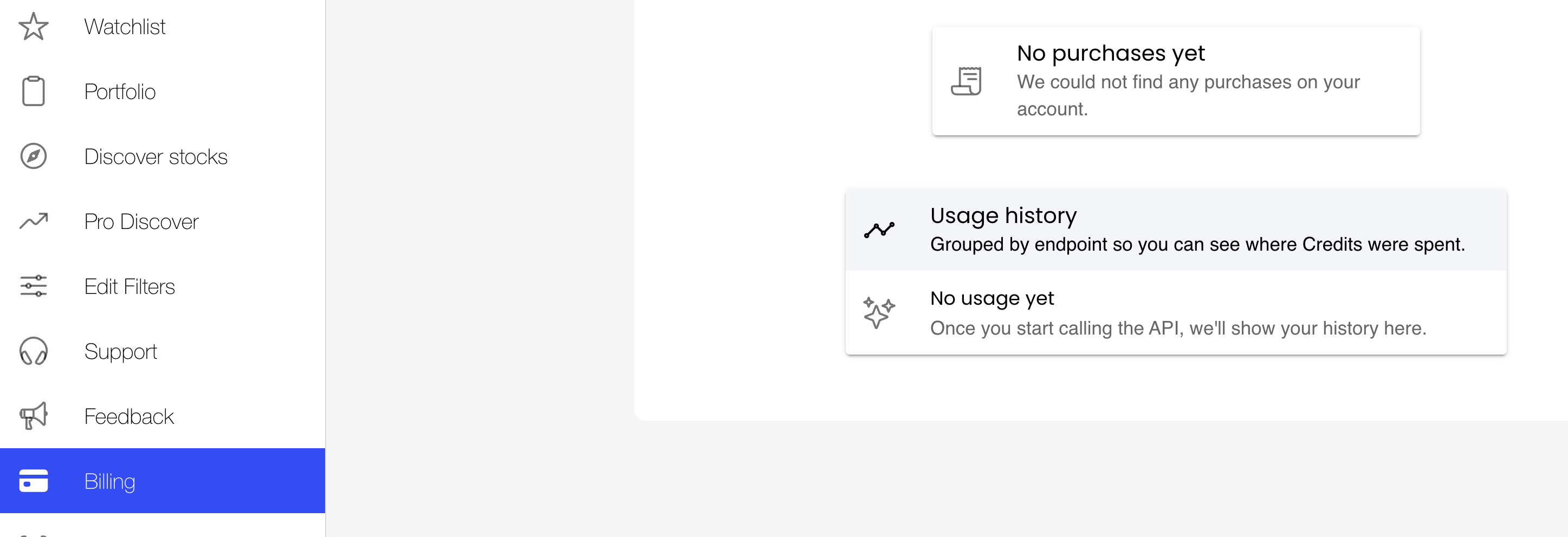
The Billing section in Equishark: every transaction on your account with dates and amounts, alongside your credit usage history.
The Billing section shows you all the financial transactions on your account, including the date the transaction occurred and the various amounts.
Clicking the ‘Billing’ button brings up your billing information.
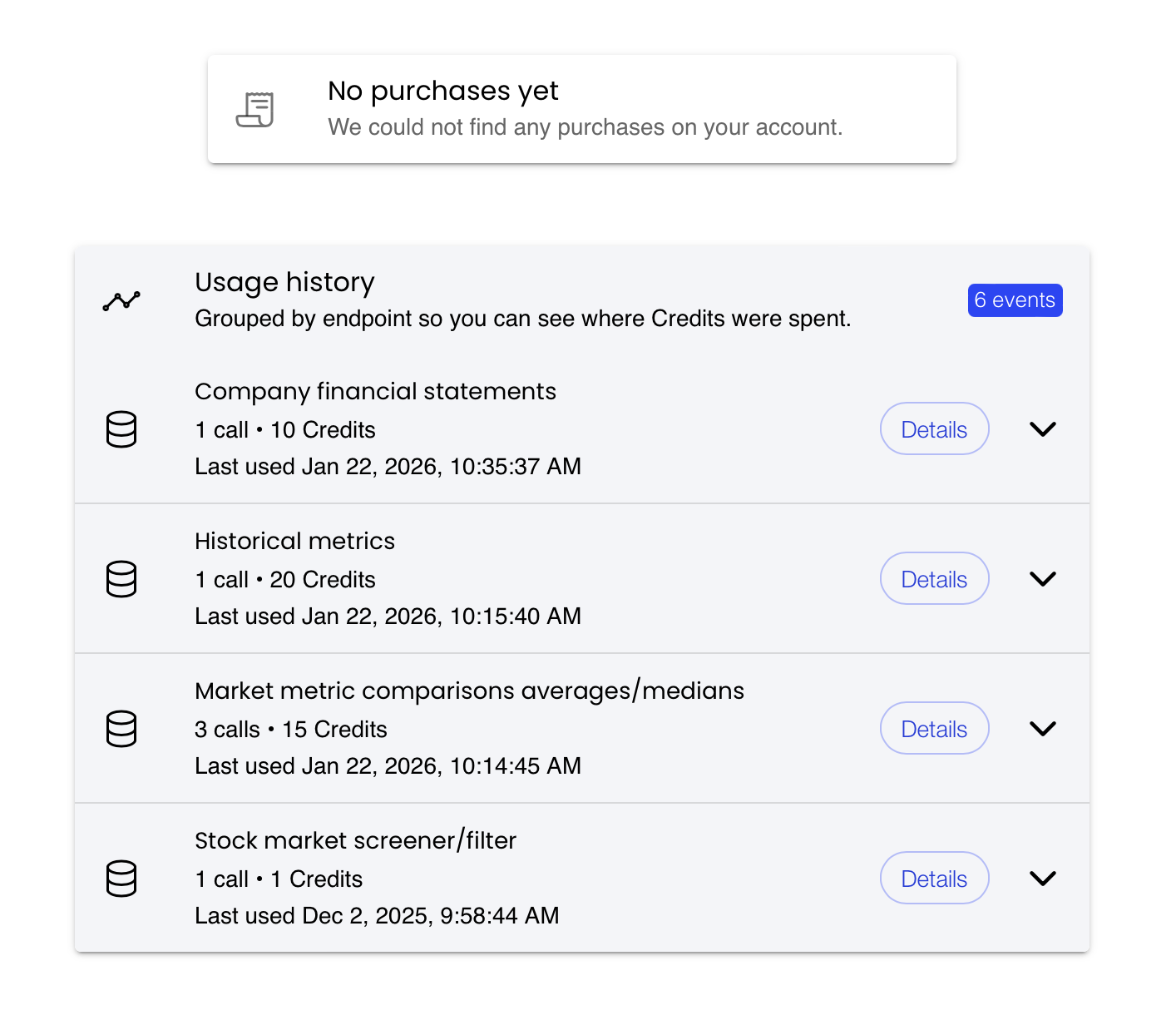
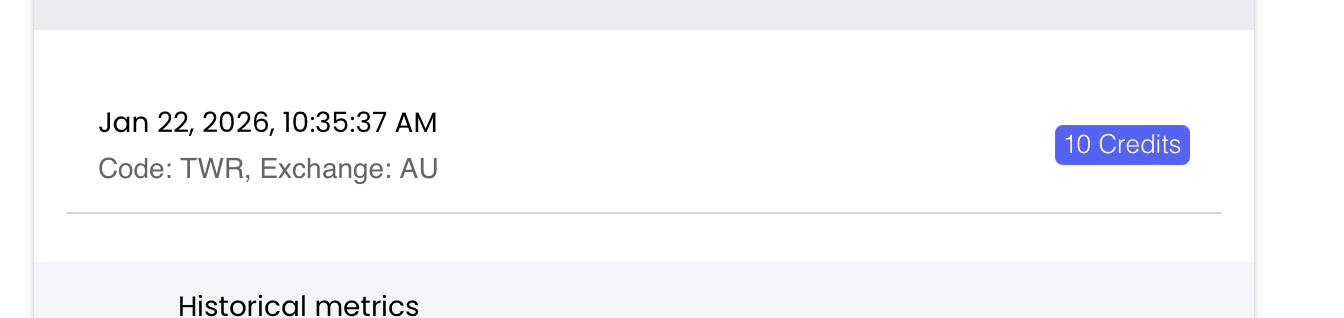
Clicking on the ‘Details’ button will cause the details of the transaction to be displayed.