Copy Filter
Copy an existing Equishark stock filter and use it as the template for a new one, instead of building every custom filter from scratch.
As an alternative you may decide to use an existing filter as a template for your new filter. This is a good way if you are new to this and in any case will save time and effort.
To copy a filter, select the filter you want to copy and press the ‘Copy’ button to create a copy of this filter.
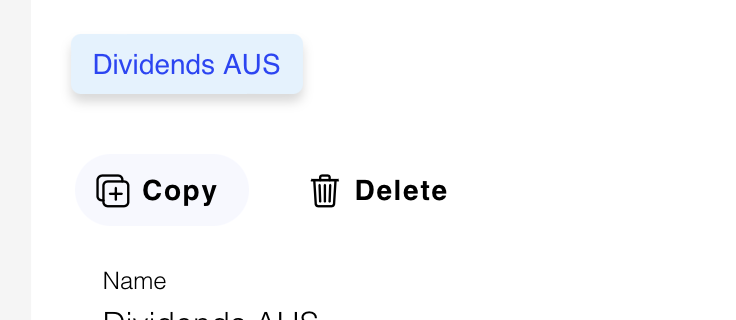
Now go back to the list of filters and your new filter will be there with (copy) appended to the original name.

Select this filter and click the ‘Edit filter’ button to bring up the filter details for editing.
Now change the filter name to the name you want to identify this new filter with.