Home Page
The Equishark home page: what each tile shows, and how to move between the stock screener, your Watchlists and your portfolios.
This is the page all Equishark functions are accessed from. It is divided into three parts.
- on the left hand side is a list of the Equishark Functions
- The middle section shows the groups of information for the function selected
- The right hand side has detail of the group you have selected in the middle section
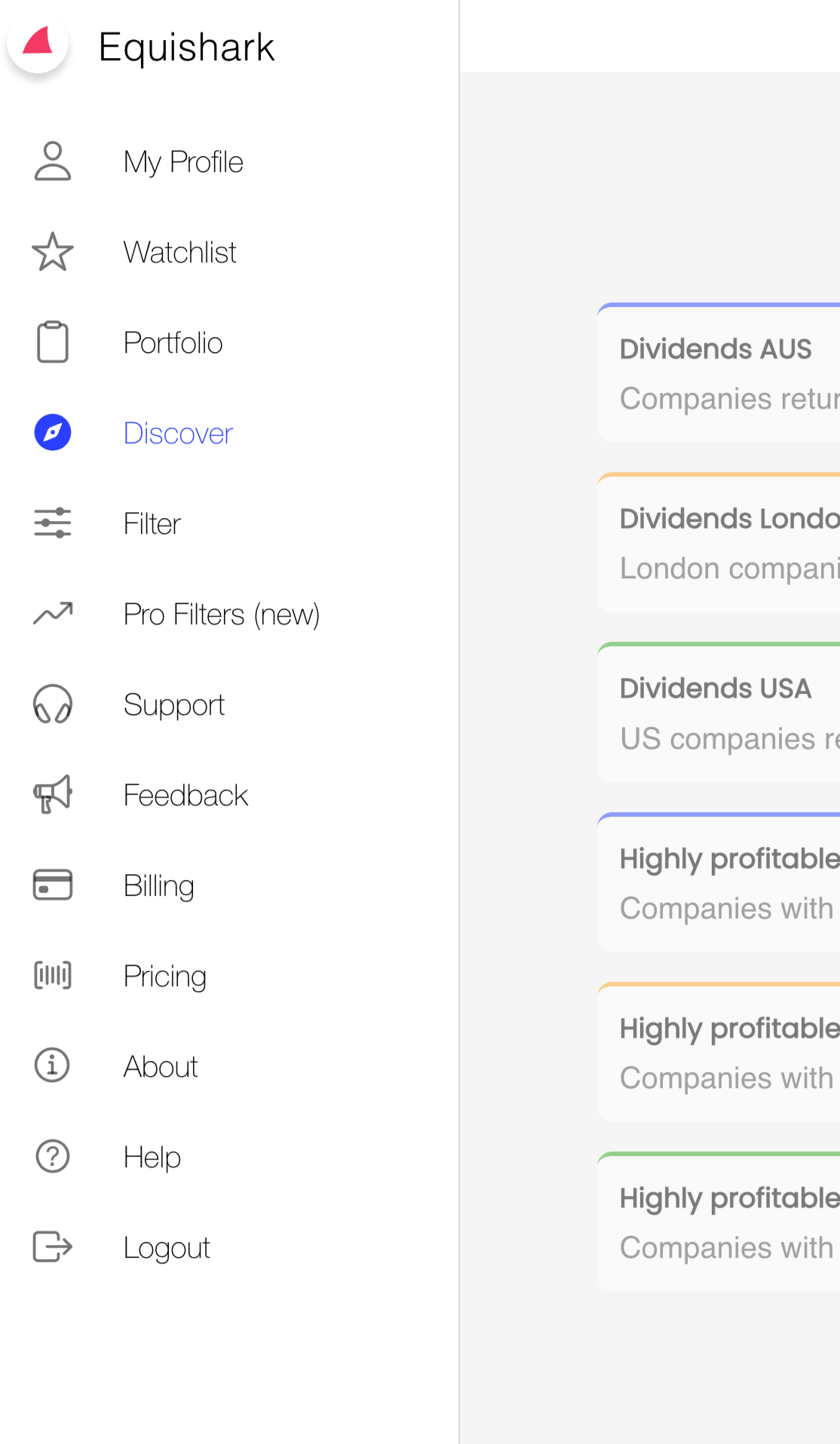
To select an Equishark function simply click on its description on the left. This will then highlight and the associated information will be displayed to the right.