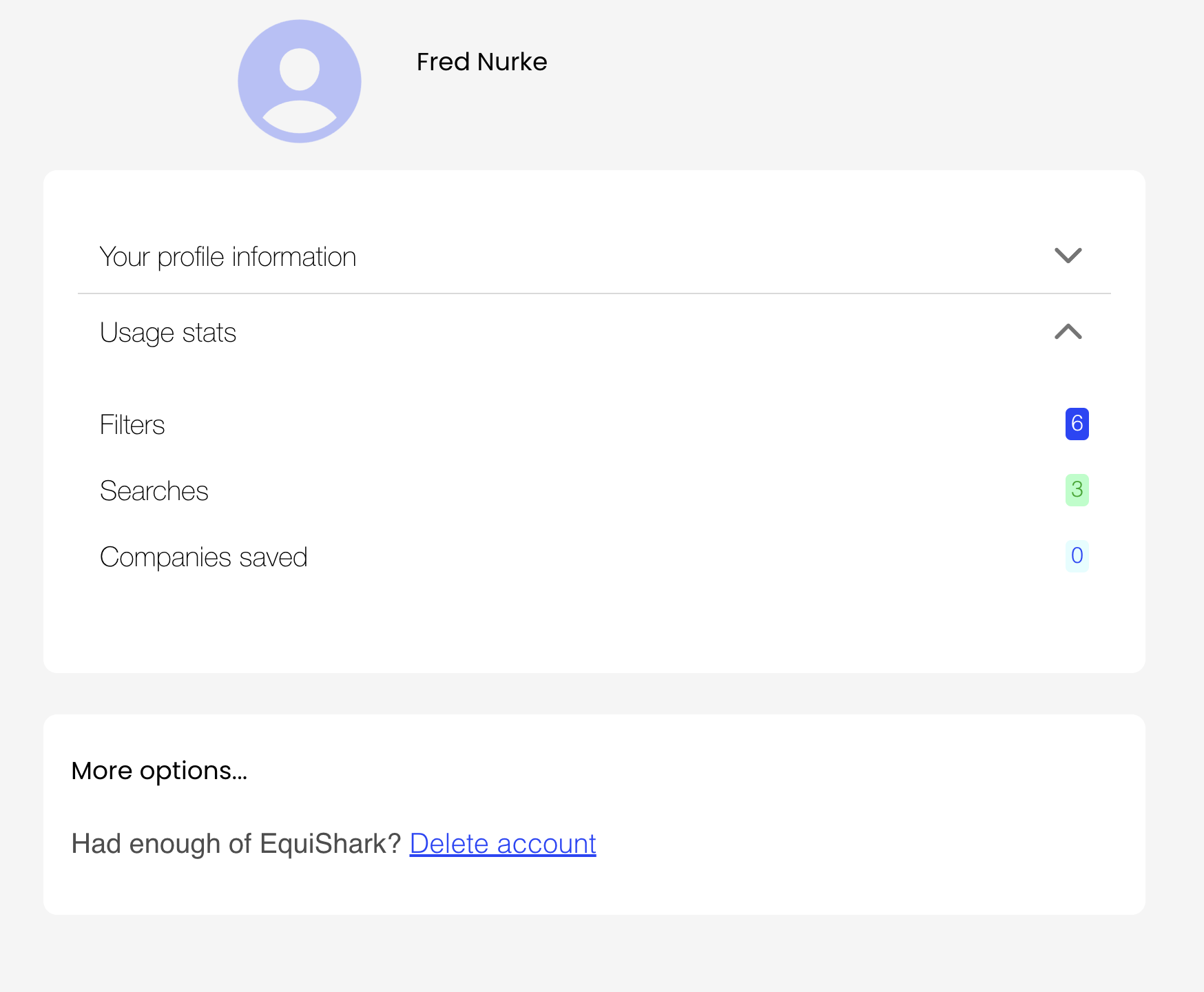
My Profile
Manage your Equishark profile: view your usage statistics, send feedback, change your details or delete your account and its data.
On this page
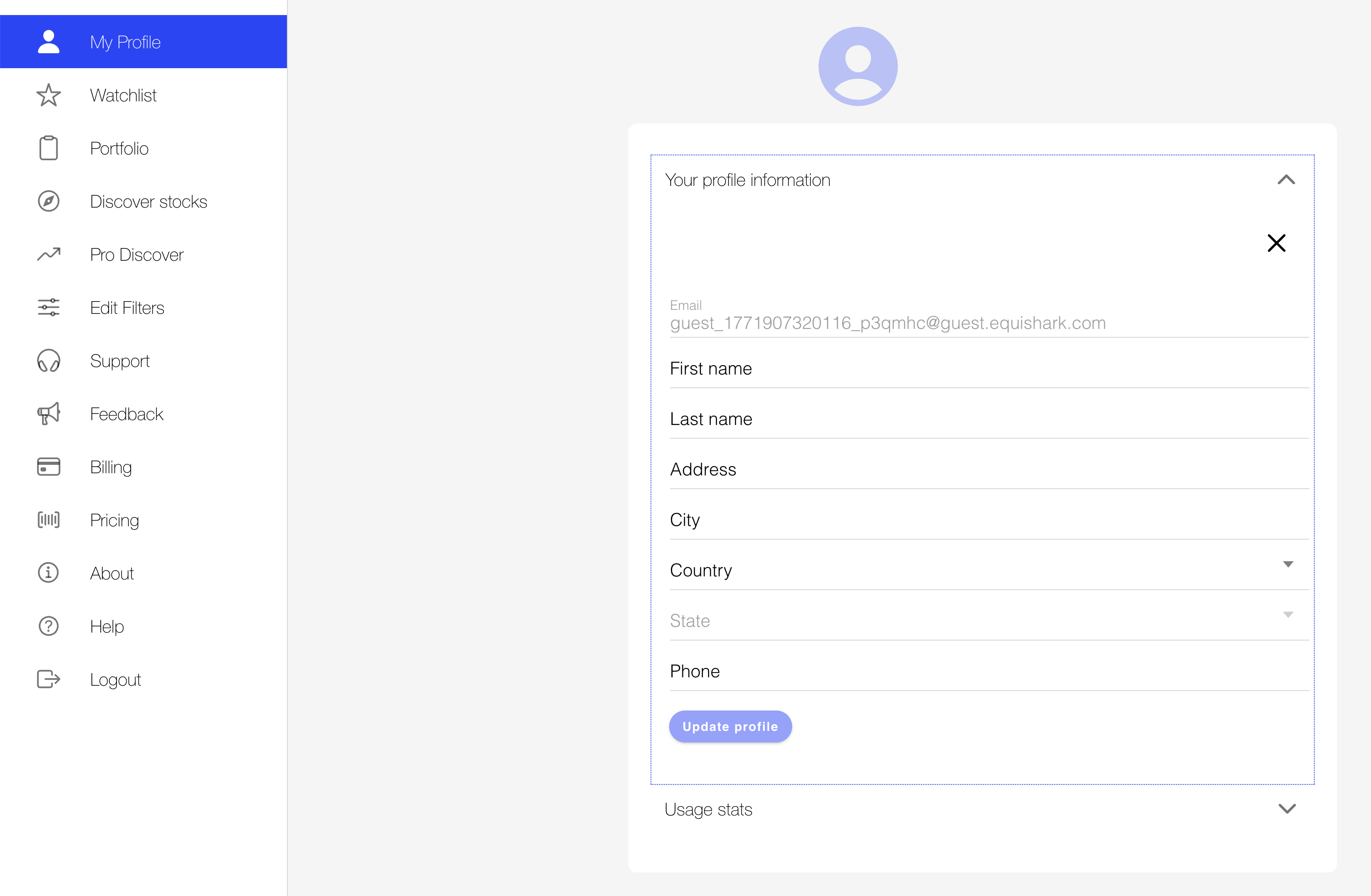
Once you have clicked on the ‘My Profile’ function on the left, your profile data will be displayed on the right for you to edit. When you change an item in your profile the ‘Update profile’ button will become active.
My Profile Data
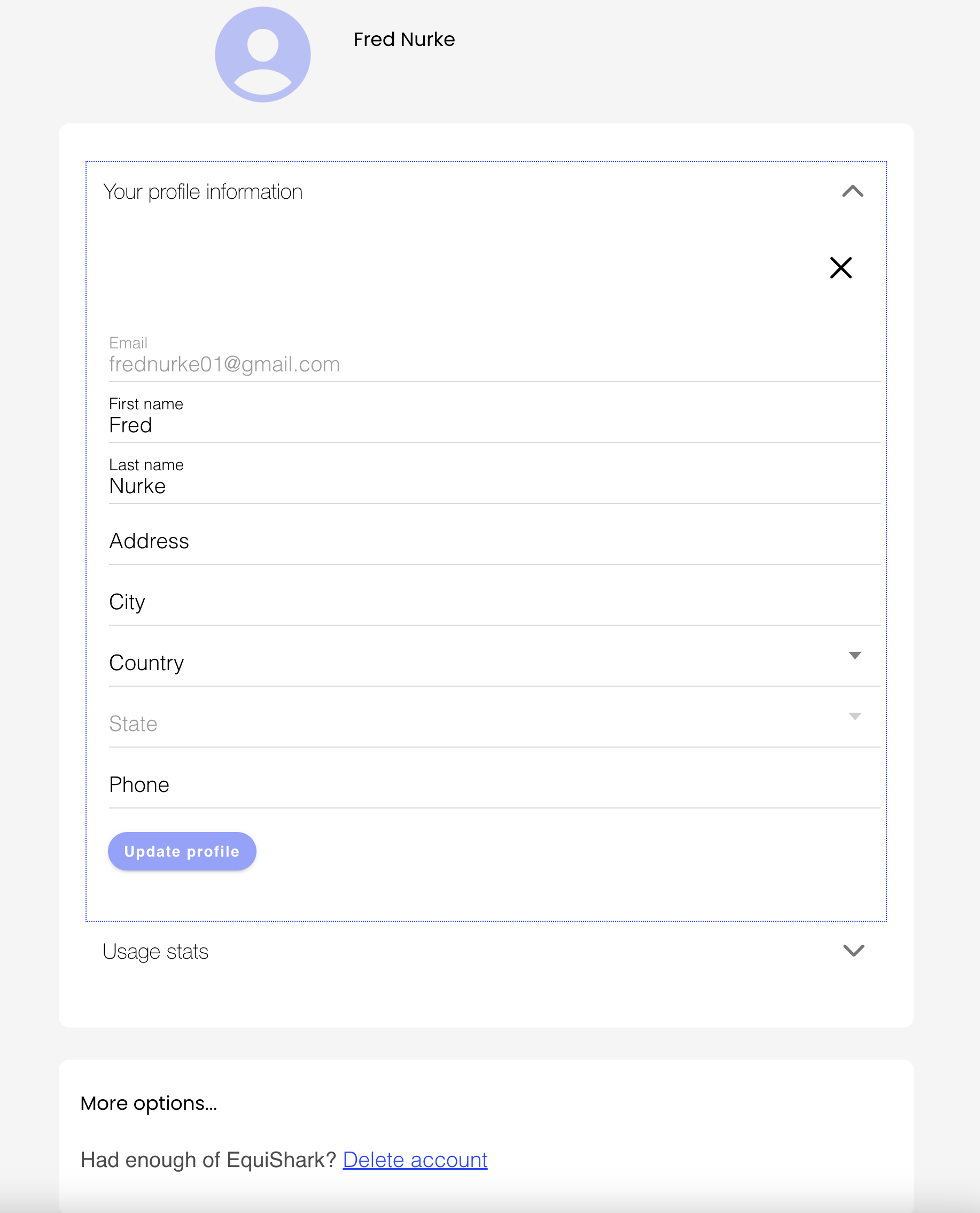
Make any changes to your profile that you need to and press the ‘Update Profile’ button to save the results.
Next to the ‘Country’ prompt is a dropdown list from which to select your country. Once you have selected your country a list of states for that country will be available for you to select your state from.
NOTE: The ‘Update Profile’ button will remain inactive until profile data has been modified.
My Profile Usage Stats
To view a summary of your Equishark Usage, click the down arrow to the right of the ‘Usage Stats’ prompt on the left below the data entry box.