Free to start · No card required
ASX stock screener
Filter every listed company on the ASX — plus the NASDAQ, NYSE, LSE and more — on the fundamentals you choose. Set the measures and the ranges, and see every company that fits.
Equishark provides factual information about listed securities. It is not financial product advice — see our Disclaimer.
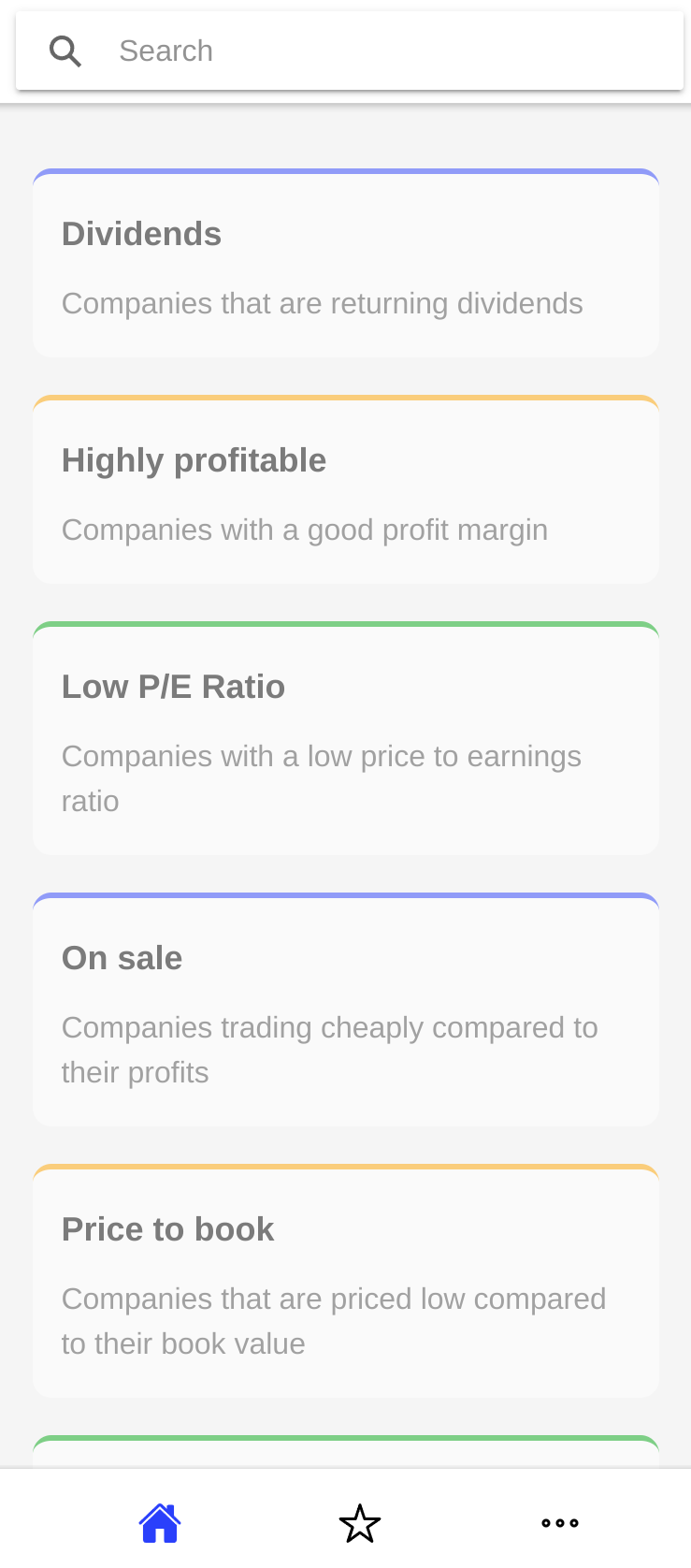
Filter on the numbers that matter to you
Build a screen from any combination of published figures, then narrow it with a range on each one.
- P/E ratio
- Price to book (MRQ)
- Price to sales (TTM)
- Dividend per share
- Earnings per share
- Book value
- Profit margin
- EBITDA
- Market cap
- Sector and industry
- Full time employees
- …and dozens more
Equishark ships with a set of ready-made screens so you can start straight away, and you can copy any of them as the basis for your own.
How it works
Pick a screen
Start from a ready-made filter, or build your own by choosing the fields and setting a range on each.
See what matches
Every company meeting your criteria is listed, with the figures you filtered on shown alongside.
Read the financials
Open any company for its price history, description, metrics and full financial reports since IPO.
Keep companies you want to follow in a watchlist, and track holdings in a portfolio — including backdated trades, so you can see how a position would have moved without spending anything.
Markets covered
Company data is refreshed daily, with historical figures going back years.
- ASXAustralian Securities Exchange
- NASDAQUnited States
- NYSEUnited States
- LSELondon
- …and moreSee the full list in the app
Common questions
Start screening
Open the screener, pick a filter and see what comes back. No card, nothing to install.
Open the screener